EPZA’s institutional context
EPZA describes its purpose as supporting exports through export processing zones in Pakistan. That setting helps explain why the documented application combines internal administration with a distinct Investment Promotion workspace. Employee services and investment applications serve different users, so the case treats their workflows separately.
Context reference: Official client context
Investment Promotion and application oversight
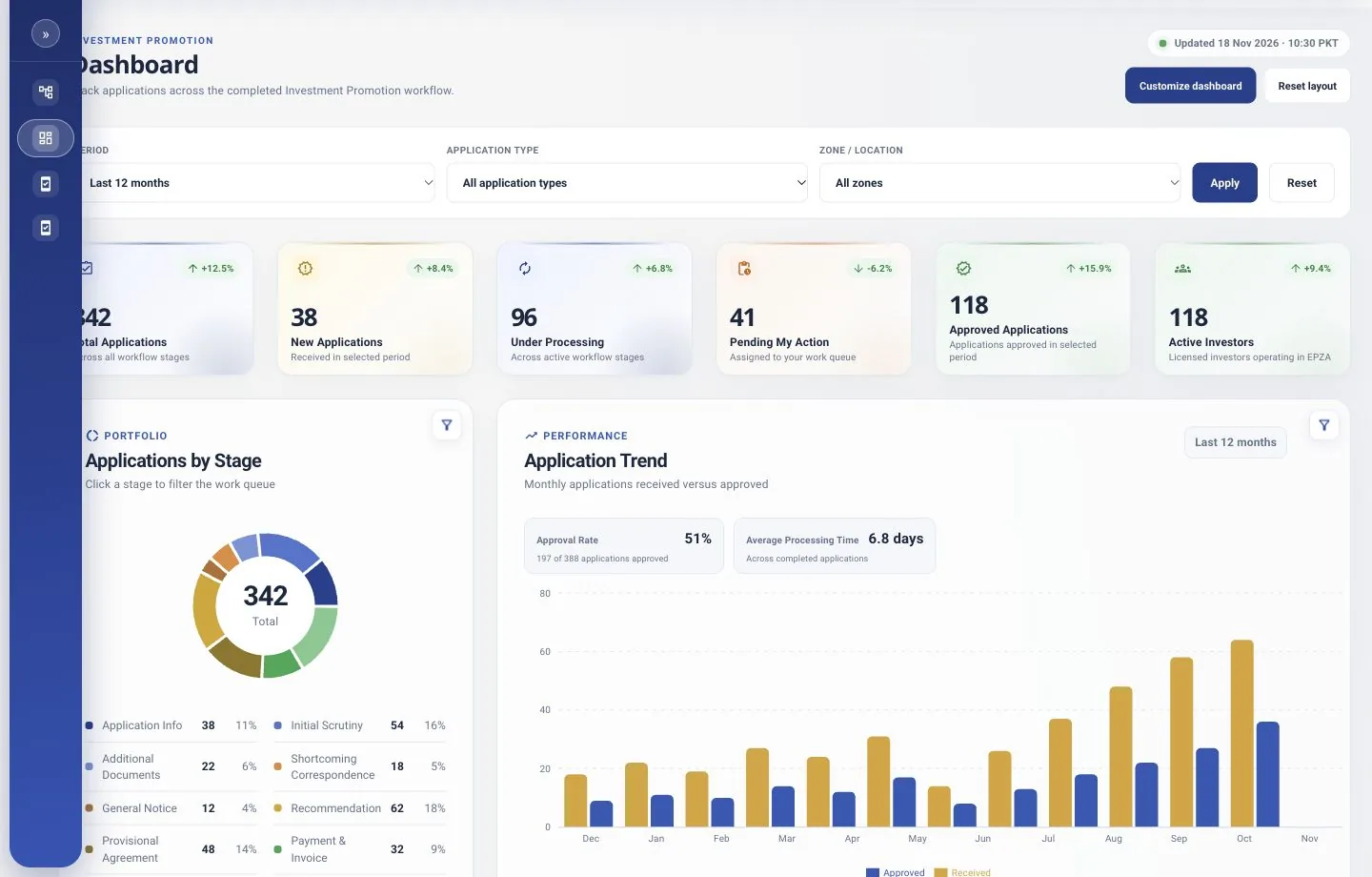
The EPZA Workflow Portal provides an application-focused workspace for Investment Promotion. The dashboard brings together application volumes, new submissions, items under processing, work pending action, approvals and active investors. This gives users a common view of activity across the investment application journey.
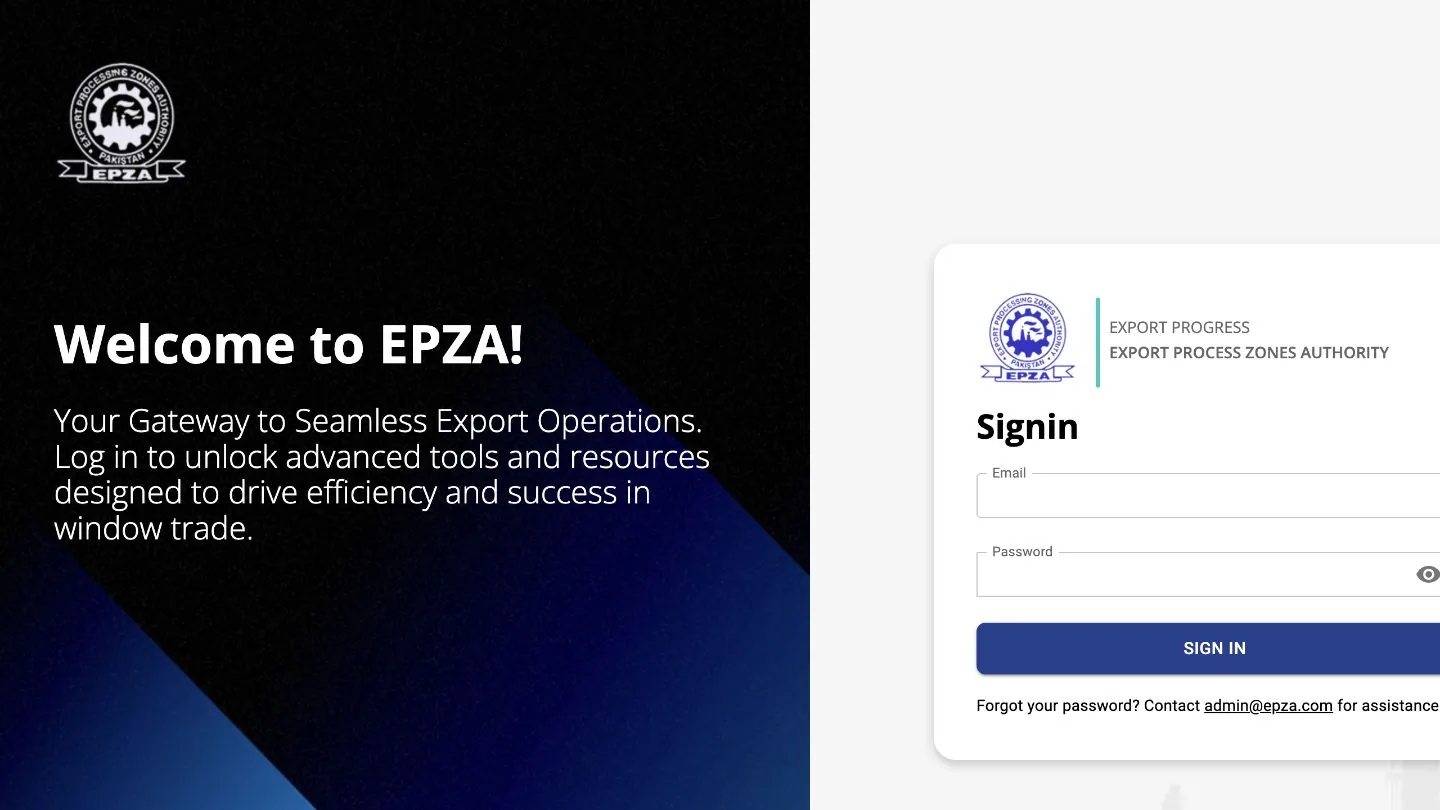
The sign-in screen presents an EPZA-branded entry point, with email and password fields and an administrator assistance route. Inside the application, the Investment Promotion workspace places its dashboard and document correspondence destinations within the same navigation structure. The screens in this case study show the application interface rather than measured results of the implementation.
A defined journey from application to agreement
The dashboard organizes applications into visible workflow stages: Application Info, Initial Scrutiny, Additional Documents, Shortcoming Correspondence, General Notice, Recommendation, Provisional Agreement, Payment & Invoice and Final Agreement. These labels make the progression of an investment application explicit within the user interface.
The sidebar also exposes dedicated routes for additional-document requests and shortcoming correspondence. Presenting those activities as recognizable destinations connects the dashboard’s overview with the supporting work involved in progressing an application. The public case study focuses on these visible stage and navigation structures.
Filtering and work allocation
The main dashboard provides period, application-type and zone or location filters. Application types include new allotment, sale or transfer of a unit, renewal of a license agreement, merger of units and permissions for additional business activity. This lets the interface frame different investment processes within a shared workspace.
Pending-action indicators and an approval queue organized by authority show how application oversight is presented to users. The interface includes roles such as Assistant Manager, Deputy Manager, Manager, General Manager, Director and Chairman. These are displayed as organizational review categories; the screenshot does not establish a universal approval sequence for every application type.
Dashboard views that support operational review
An applications-by-stage chart summarizes the distribution of work, while the application trend chart compares received and approved applications over time. The interface also provides reporting views for revenue collection, committed and actual exports, export destinations and exporter activity.
These views place workflow progress and reporting within the broader Investment Promotion workspace. The figures visible in the captured dashboard are interface content, not evidence of savings, processing-time improvements or commercial outcomes. The ERP modules described below cover the separate administrative and employee-service scope documented for EPZA.
A shared ERP for administrative work
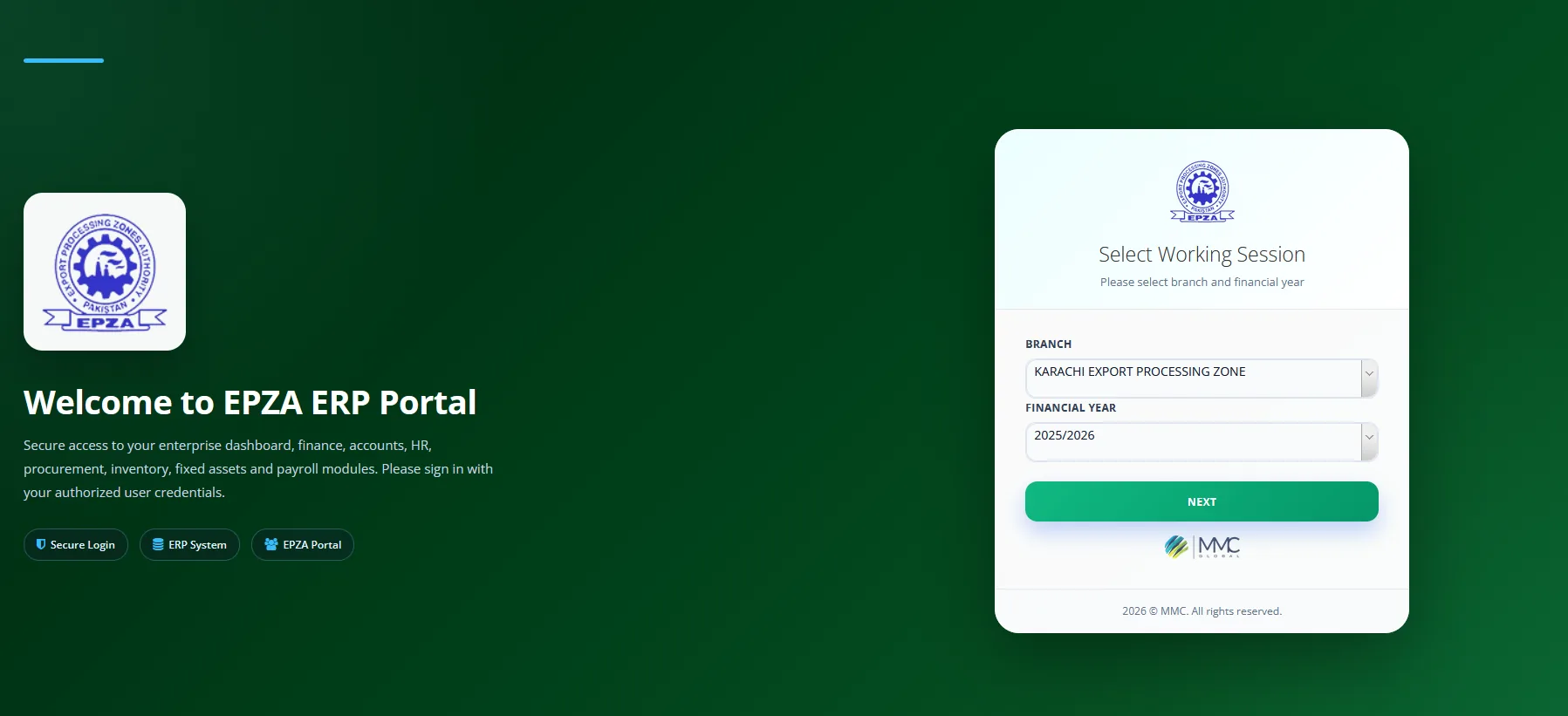
The EPZA ERP manuals describe a common working environment for Accounts, HRMS, Procurement, Inventory, Store, Transport and the Self-Service Portal. Users select a branch and financial year before accessing the configured modules.
This case study follows the workflows described in those operating manuals and the supplied ERP screens. It does not infer a platform vendor, undocumented deployment architecture or quantified business improvement.
Finance and people administration
The Accounts scope includes banking setup, chart of accounts, accounting periods, vouchers, approvals, budgets, bills, payments and salary-related processing. Departmental budget demands, sanctions and allocations provide a documented path for financial administration.
HRMS covers organizational structure, sanctioned posts, pay scales, recruitment, employee records, postings, training, performance, attendance and leave. Salary-related configuration and processing are documented separately in the Accounts module.
Purchasing, warehouses and stores
Procurement maintains suppliers, item classifications, tender-related setup, qualification criteria, purchase orders, purchase bills and contracts. Inventory records warehouses, opening balances and goods received against purchase orders.
The Store module handles departmental requisitions, authorized quantities, warehouse issuance and physical-stock adjustments. Together, these modules connect demand, procurement, receiving and internal consumption without treating every step as a separate product.
Transport and employee requests
Transport records vehicles, journey and maintenance types, vehicle issue and allocation, fuel readings and maintenance authorization. Its transaction fields connect operational activity with estimates, budgets and subsequent bill or payment status.
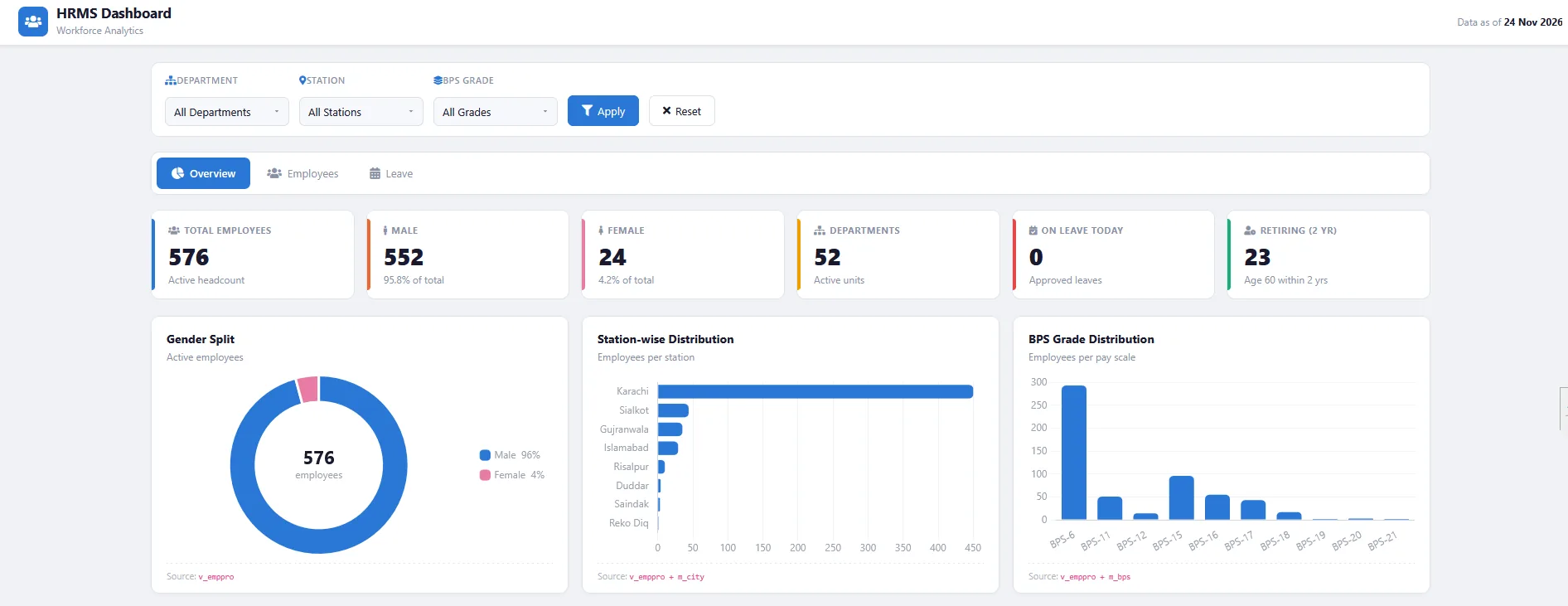
The Self-Service Portal brings employee profile work, leave applications, vehicle requests, maintenance requests and reimbursement submissions into an employee-facing workflow. Public visuals show navigation and aggregate views rather than individual personnel records.
What the documentation establishes
The manuals establish named screens, fields and processing responsibilities across seven ERP areas. They do not establish implementation duration, user adoption, realized cost savings or a measured change in approval times.
A similar ERP engagement should begin with the organization structure, financial periods, opening data, approval responsibilities and module dependencies, followed by agreed acceptance scenarios.
Trade process automation work order
The October 2024 work order covers business analysis, core application development and implementation, maintenance, and infrastructure and hosting requirements for EPZA trade-related processes. This commissioned scope complements the application workflows shown in the case study.
Reading the workflows together
The ERP documentation connects organizational setup with branch and financial-year selection, then describes the work performed in each module. The Investment Promotion screens add a different view: applications are grouped by stage and approval responsibility. These are complementary perspectives on the authority’s work, not evidence that every ERP transaction uses the same approval sequence.
For a similar engagement, a useful review would reconcile an internal request with its approval and later transaction, then follow a separate investment application through correspondence and agreement stages. This keeps employee administration, financial reporting and investor processing understandable to their respective users.
Client application views
Related software and services
Sources and project evidence
Project scope and technologies come from MMC’s supplied project records. Where manuals or application screens are available, they provide the implementation detail. Public sources establish organizational or technology context; design considerations describe review criteria rather than unreported delivery results.
Research reviewed 28 November 2026.